
Find, share and caption your recordings
Where your lessons are saved and what you can do with them.
When you tap Stop, the video is saved as an MP4 in Recordings in the library, linked to its notebook. A message offers Share right away.
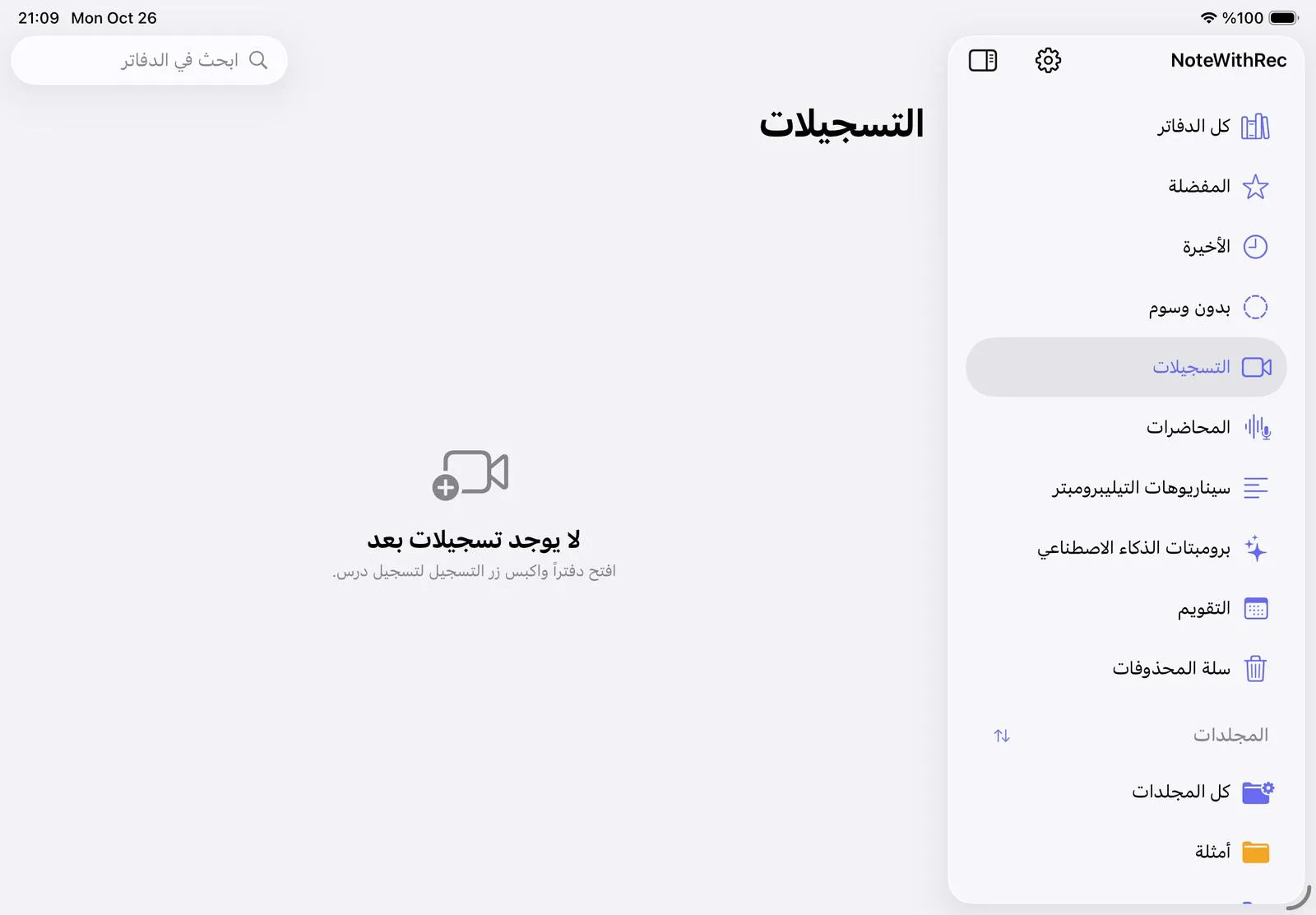
Press and hold a recording for more:
- Share the video, or Save to Photos.
- Add captions: choose the language spoken in the video (Arabic, English, French, Turkish, German or Spanish). NoteM makes a captioned copy and an SRT subtitle file for YouTube.
- Title and chapters: AI writes a title and chapter marks from what you said. Only the words are sent, never the video.
- Rename, Move to folder or Delete.
Want every lesson in Photos automatically? Turn on Save to Photos automatically in Settings Recording.
Was this article helpful?
Thanks for telling us.