For teachers, lecturers and students

Prepare, teach and record your lesson in one app

Write by hand with Apple Pencil, bring in your PDF, Word and PowerPoint files, and record the lesson with your voice and camera while a teleprompter only you can see keeps you on track.

Free to download. Seven days of everything, then a free plan or NoteM Pro.

iPad · iPhone · Mac · Android

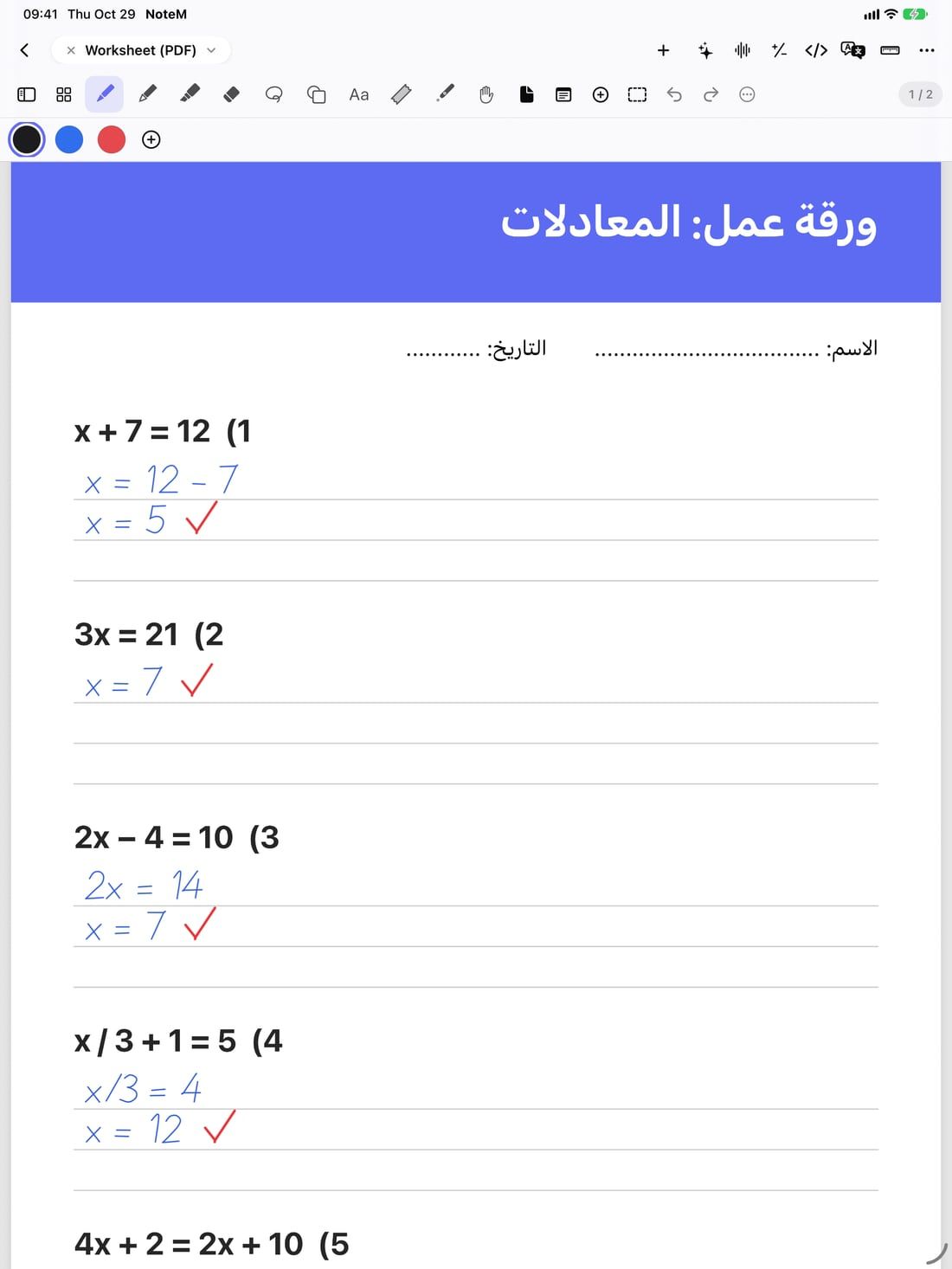
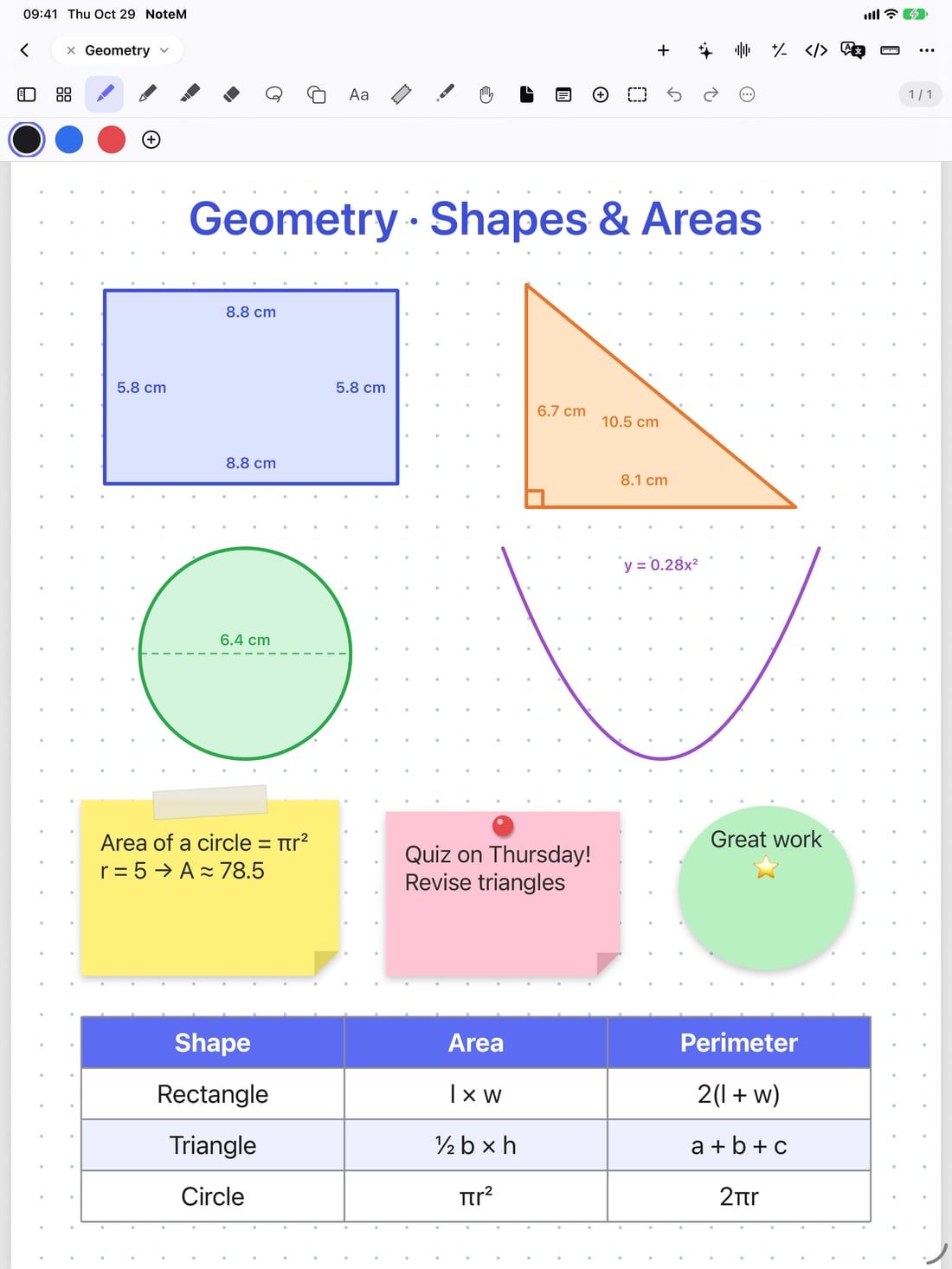
Handwriting on a worksheet
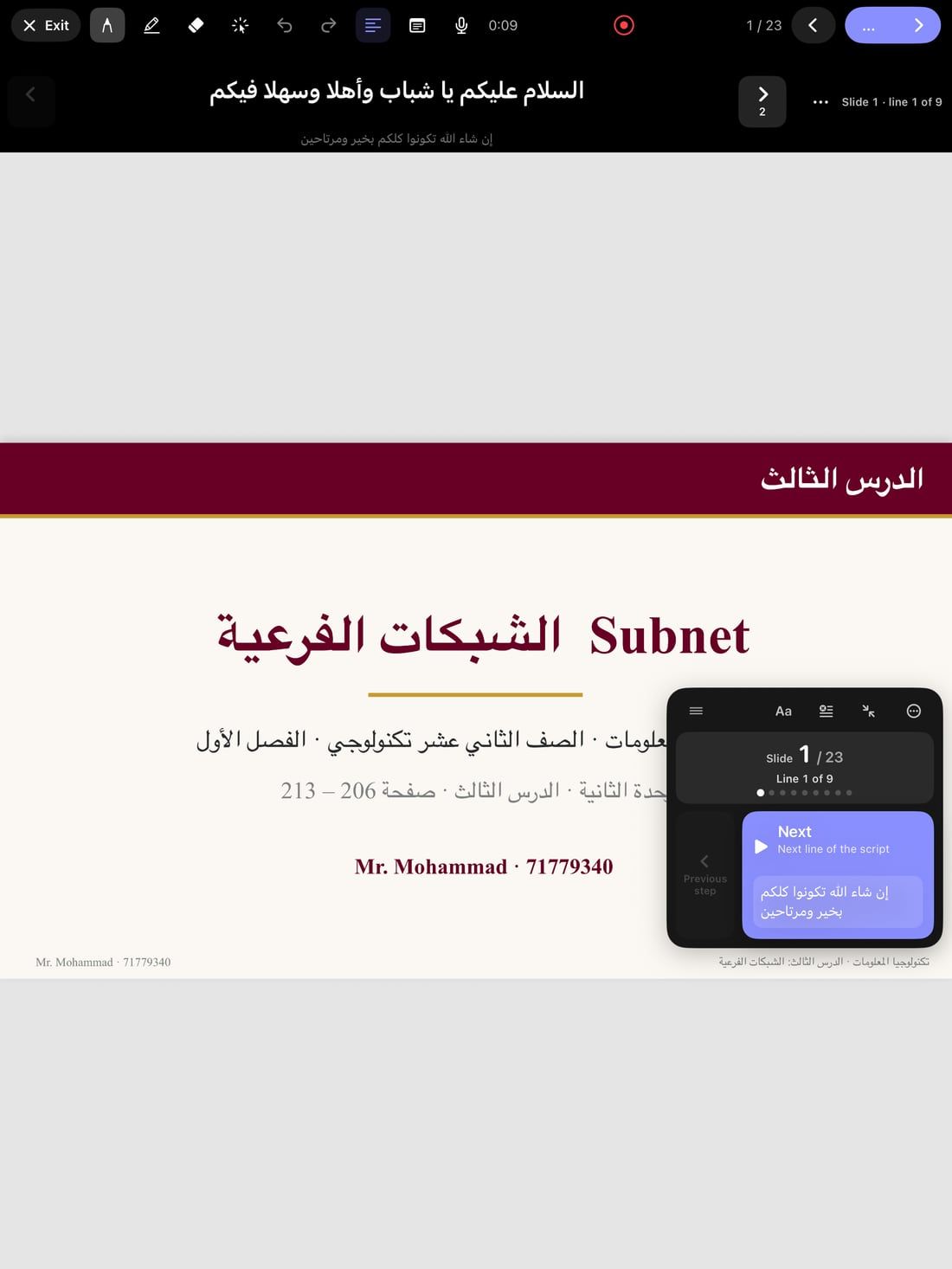
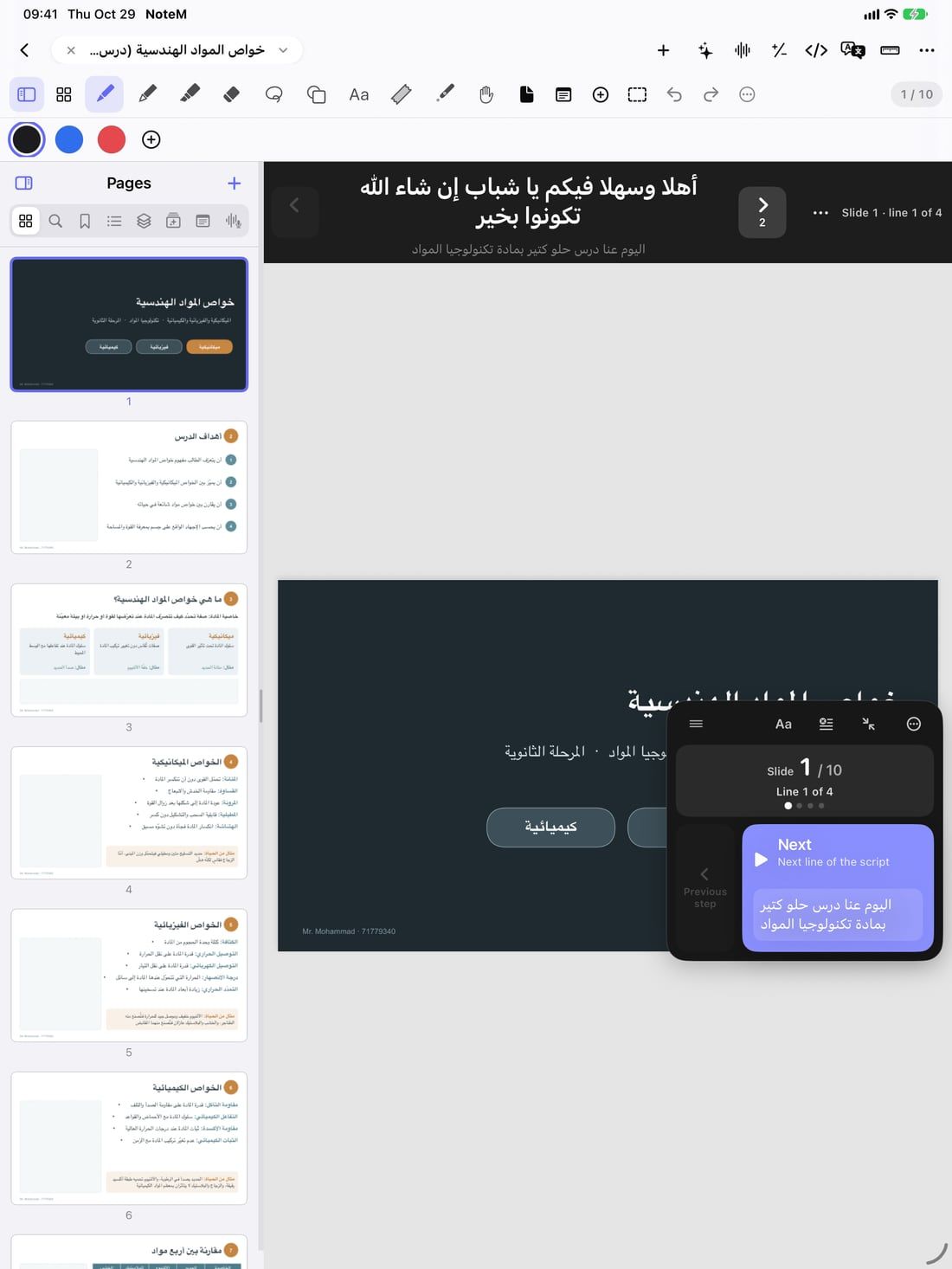
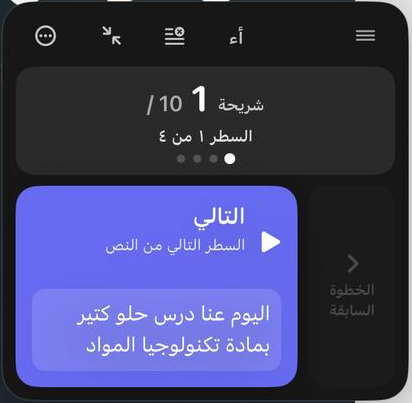
A lesson open in NoteM on iPad: the slide in the middle, the script line above it and the floating lesson pad with the Next button.
Recording a lesson
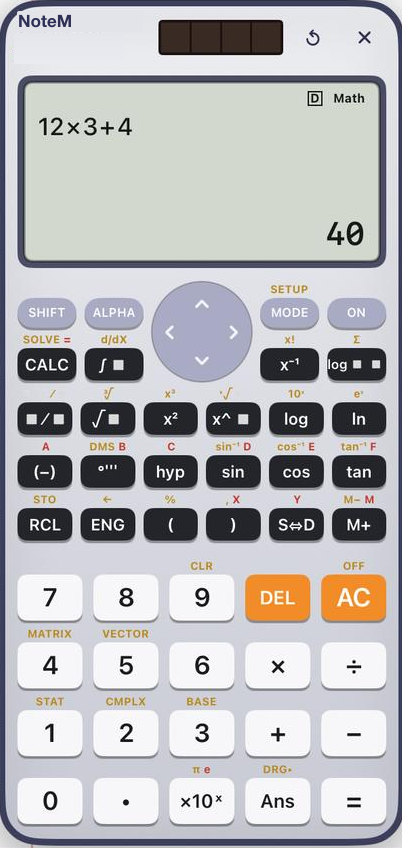
NoteM’s floating scientific calculator showing 12×3+4 = 40.
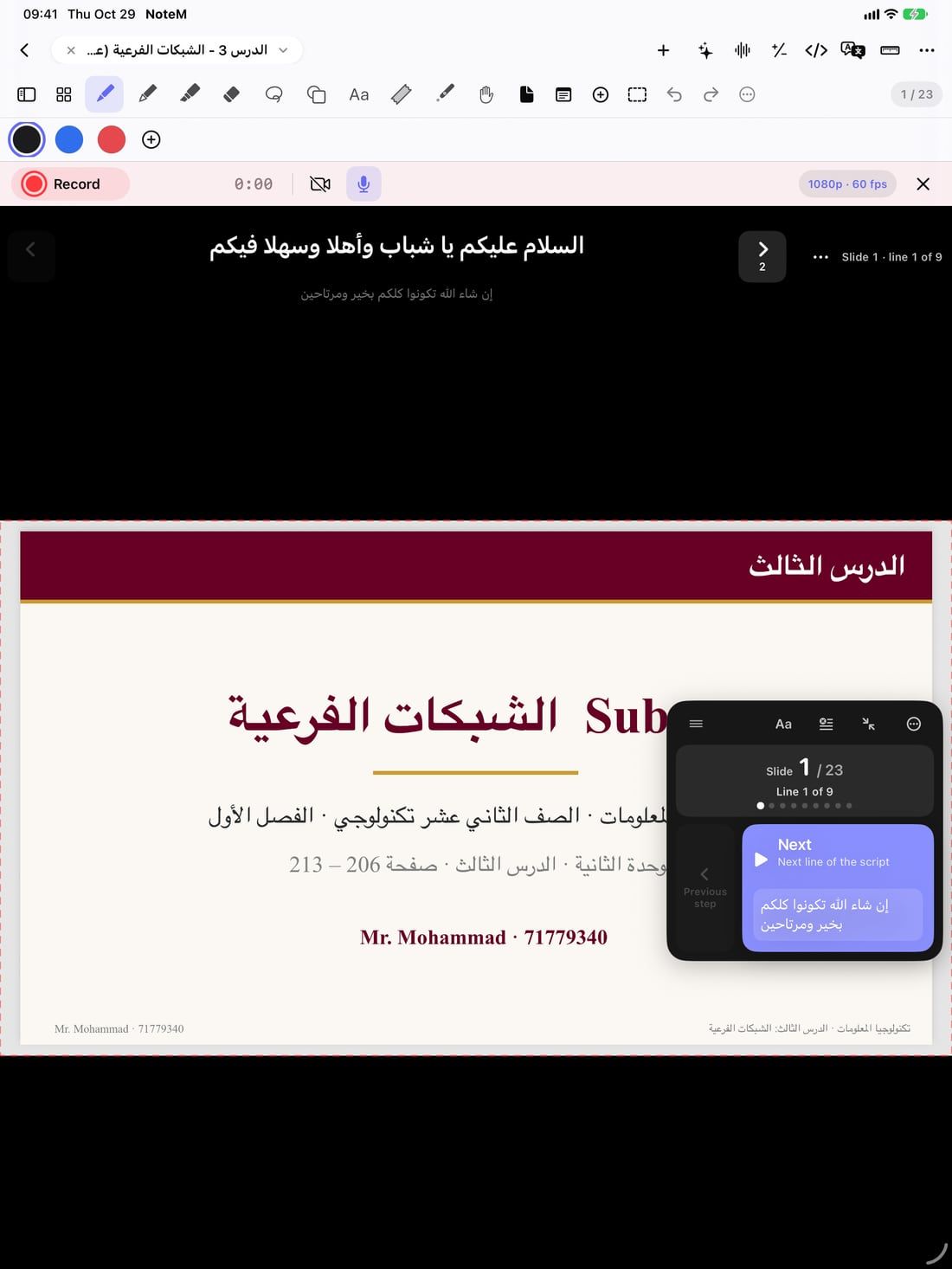
The recording bar: Record, timer, camera and microphone.
43shapes, flat and 3D
58ready 3D teaching models
22slide themes
7programming languages
36languages in the app

Made for the people who teach

Teachers

Turn your slides into a recorded lesson: the script moves the slides for you, and only your page, your voice and your face reach the video.

Lecturers and trainers

Present from the iPad on a TV or projector, reveal each point with a tap, and record the session for those who missed it.

Students

Take notes by hand on lecture slides, record a lecture with its words written out live, and check your maths with the calculator.

Lesson recording

You see the script. Your students see the lesson.

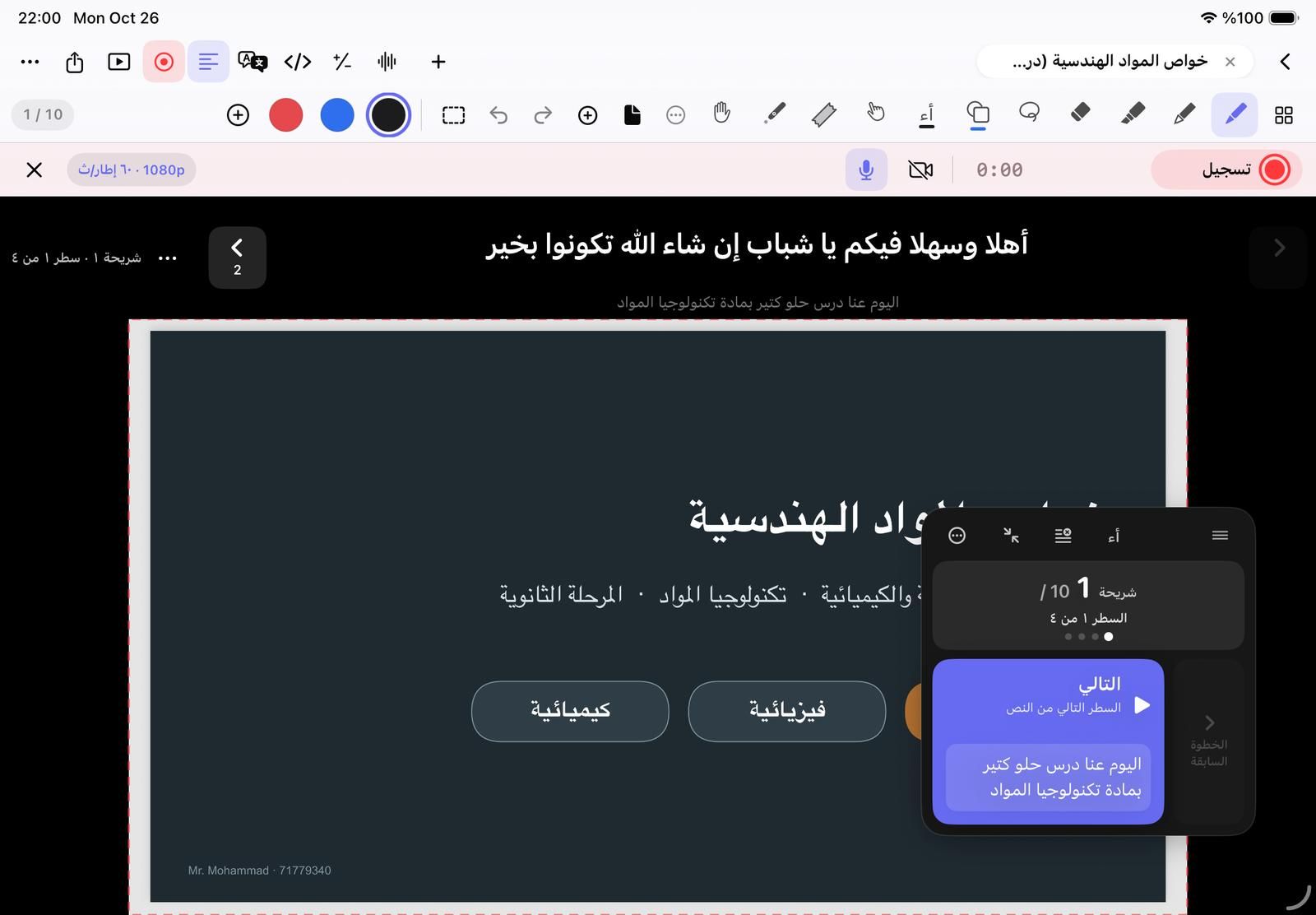
This is NoteM while recording. Everything marked “only you” stays on your screen; the video holds the page inside the red frame, your writing and your voice.

The recording studio bar above a slide: Record, the timer, microphone, camera and the quality menu showing 1080p at 60 fps.
Only you: the script line Only you: the lesson pad In the video: the page in the red frame Record, pause, mute, camera
  • Content only or the whole screen
  • 16:9, 9:16 or 1:1 video, 1080p or 4K, 30 or 60 fps
  • Pause and resume in the same file, with no gap
  • Captions and an SRT file from the lesson’s speech

How lesson recording works

A whole classroom in one notebook

Real parts of the app, as they look on iPad.

Code that runs offline

Python with NumPy, pandas and Matplotlib, C, C++, C#, JavaScript, SQL and HTML, with a real console.

Read more
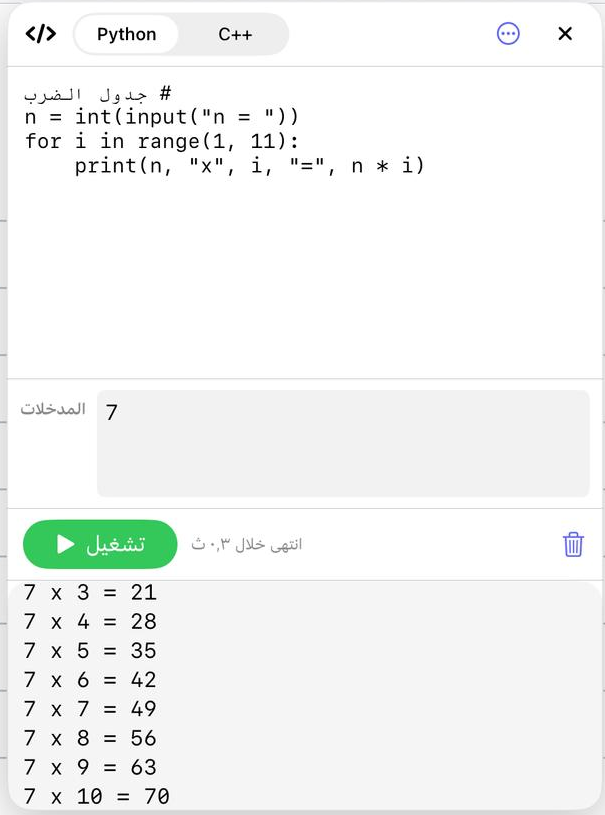
The code panel running a Python multiplication table.

Scientific calculator

Eight modes with SHIFT and ALPHA layers, floating over your page.

Read more
NoteM’s floating scientific calculator showing 12×3+4 = 40.

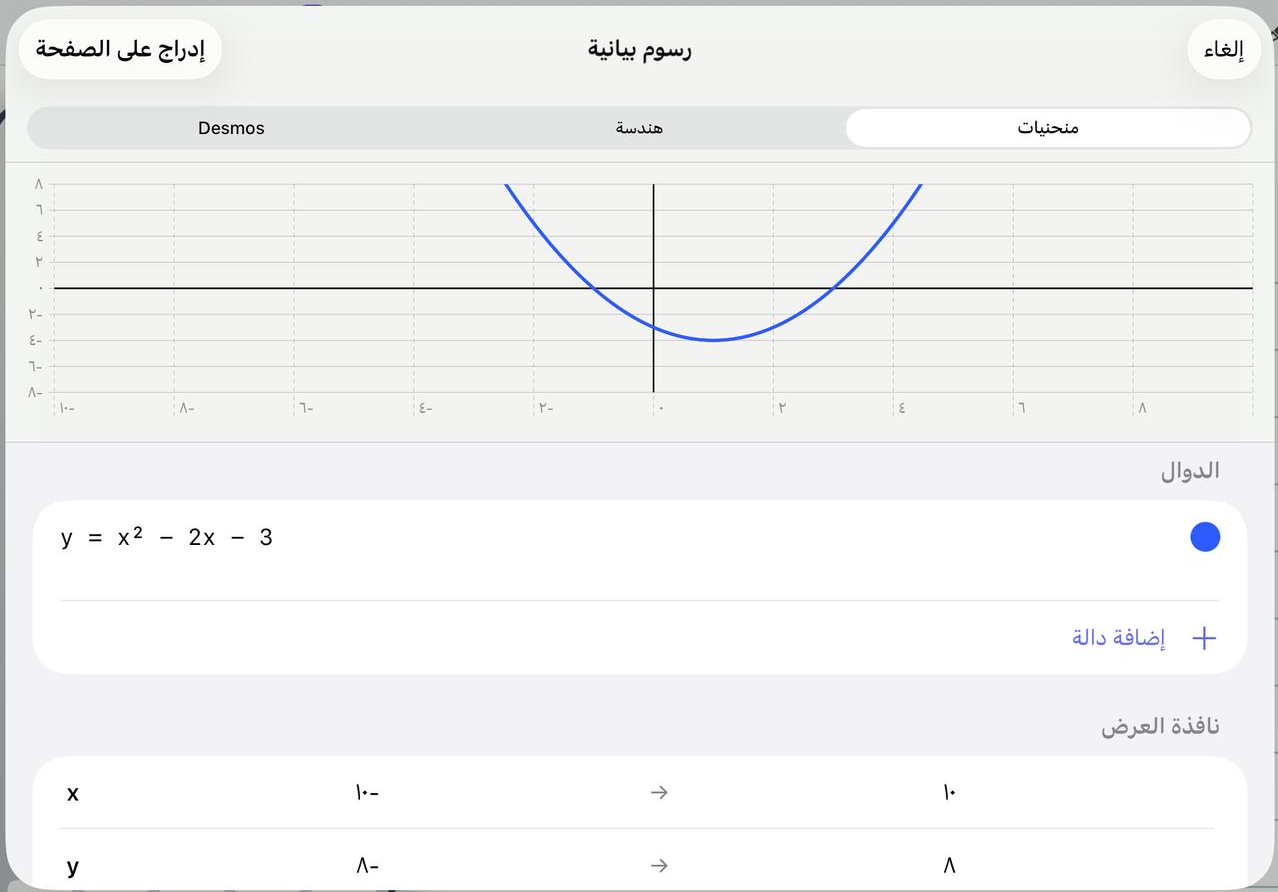
Graphs

Draw curves from their equations, build geometry, and put the result on the page.

Read more
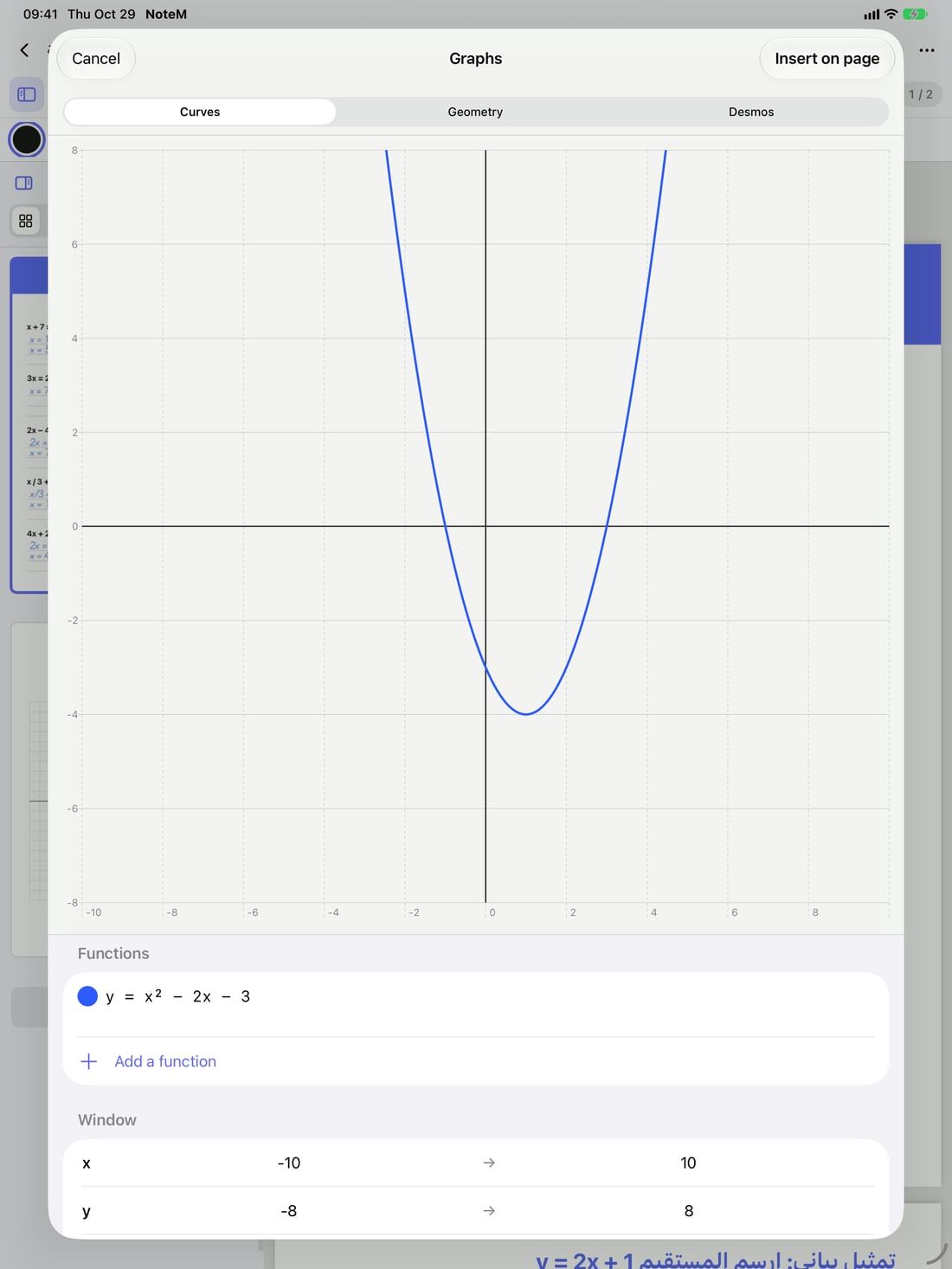
The graphs sheet with the curve y = x² − 2x − 3.

AI that prepares with you

With your own key from Google, OpenAI or Anthropic, or Apple’s on-device model where available.

Read more
  • ✦ Build a lesson
  • ✦ Study pack
  • ✦ Photo to worksheet
  • ✦ Check my work
  • ✦ Ask this notebook
  • ✦ Exam from this notebook

58 3D models

Atoms, molecules, solids, conic sections and the solar system, turned with a finger.

Read more
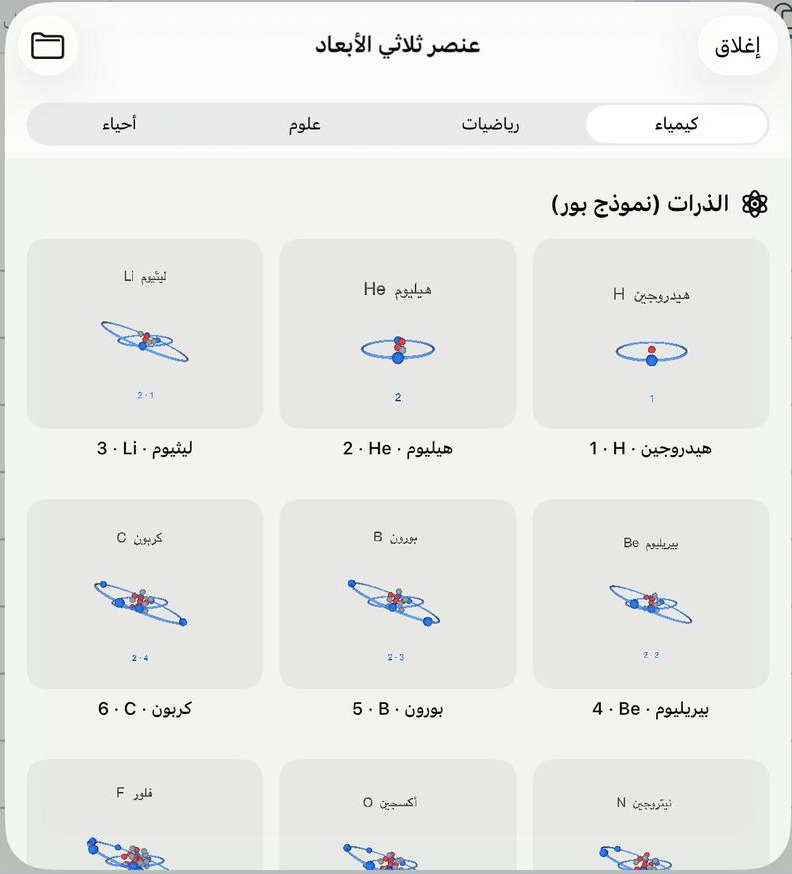
The 3D gallery with atom models of hydrogen, helium and lithium.

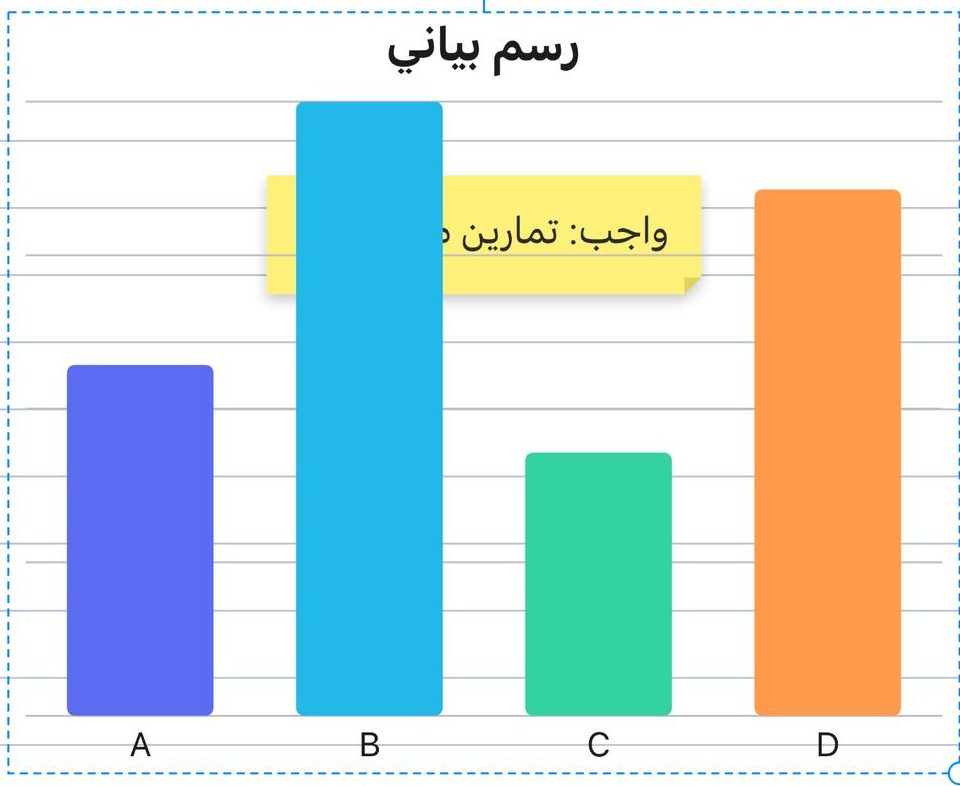
Tables and charts

A small spreadsheet on the page, with formulas and charts you can style.

Read more
A bar chart on a notebook page with a sticky note.

Maths tools with steps

Equations, matrices, statistics, units and number bases, with every step shown.

Read more
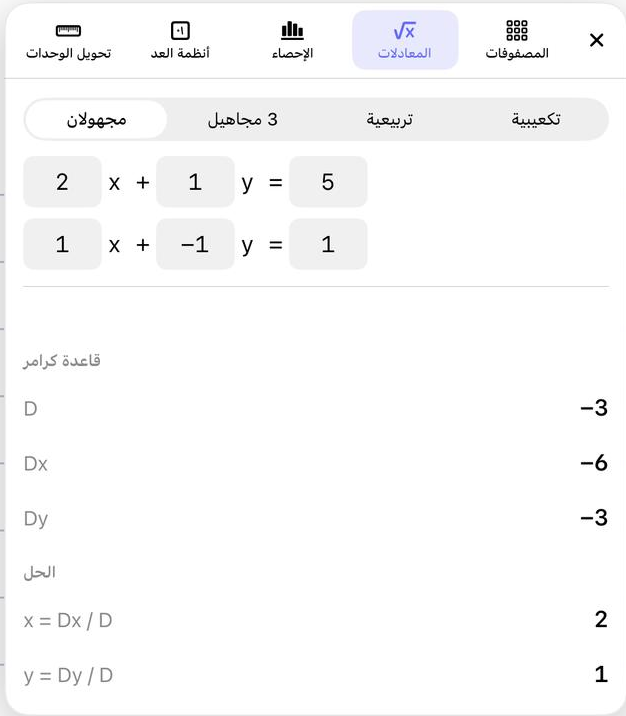
The equations tool solving two equations with Cramer’s rule.

Your files, as notebooks

PDF, Word, PowerPoint with its animations, Excel and images open as pages you can write on.

Read more
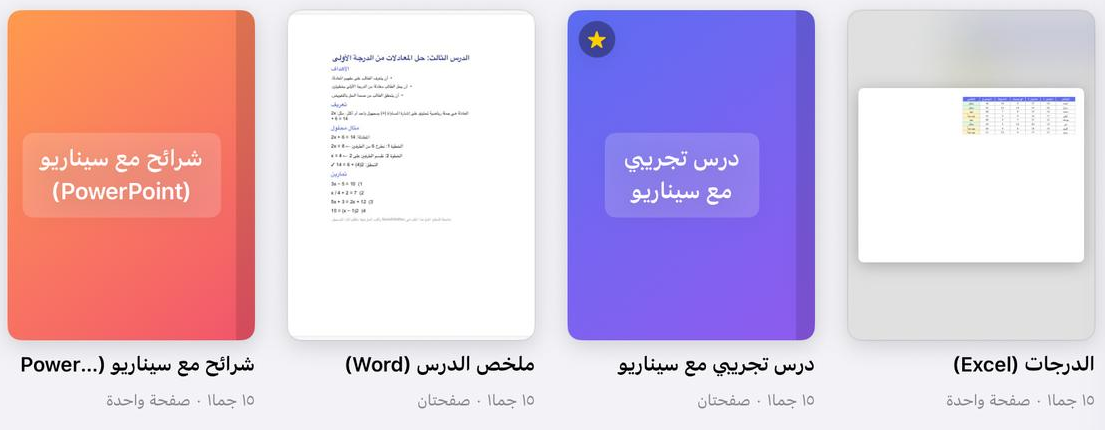
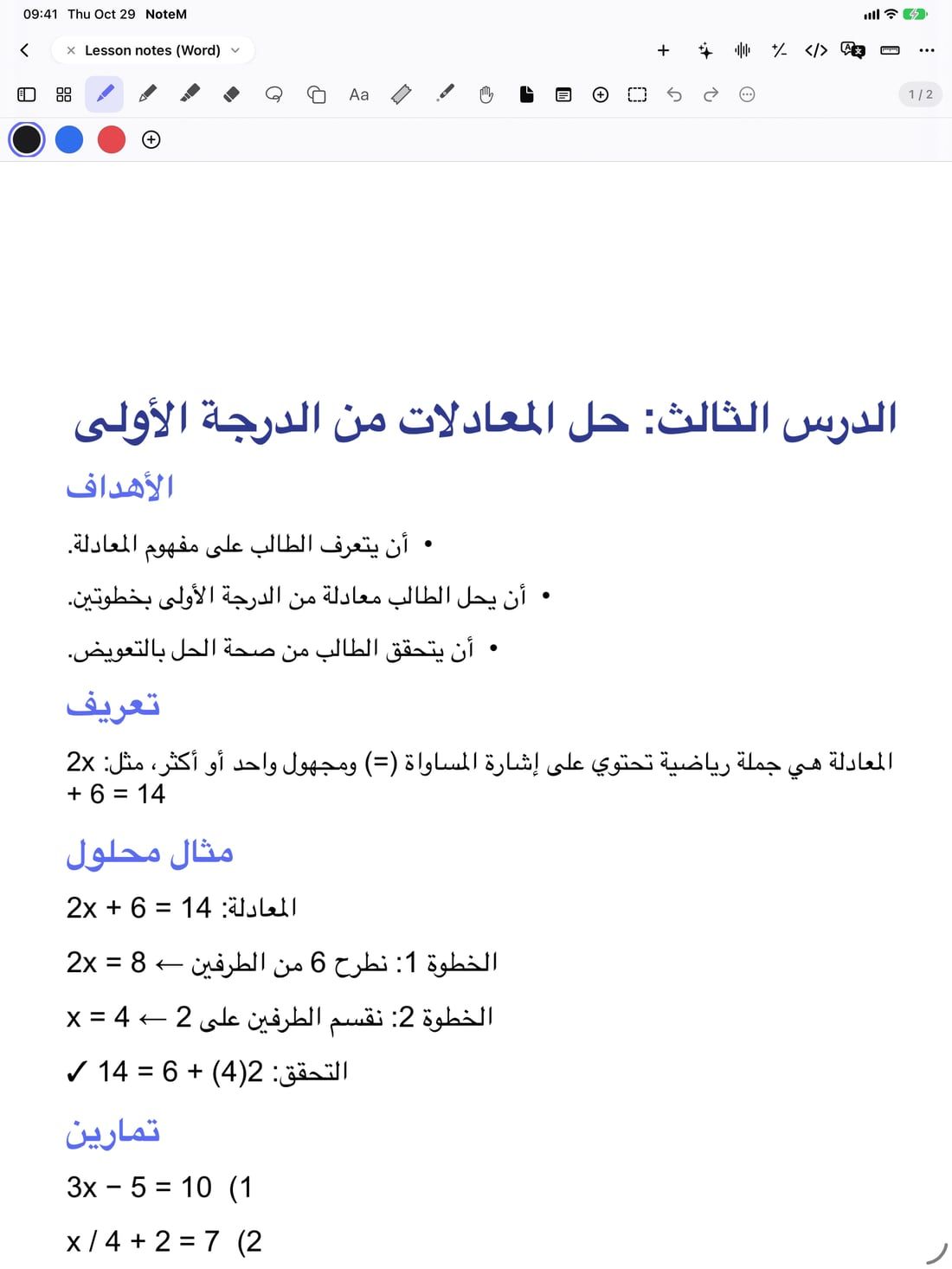
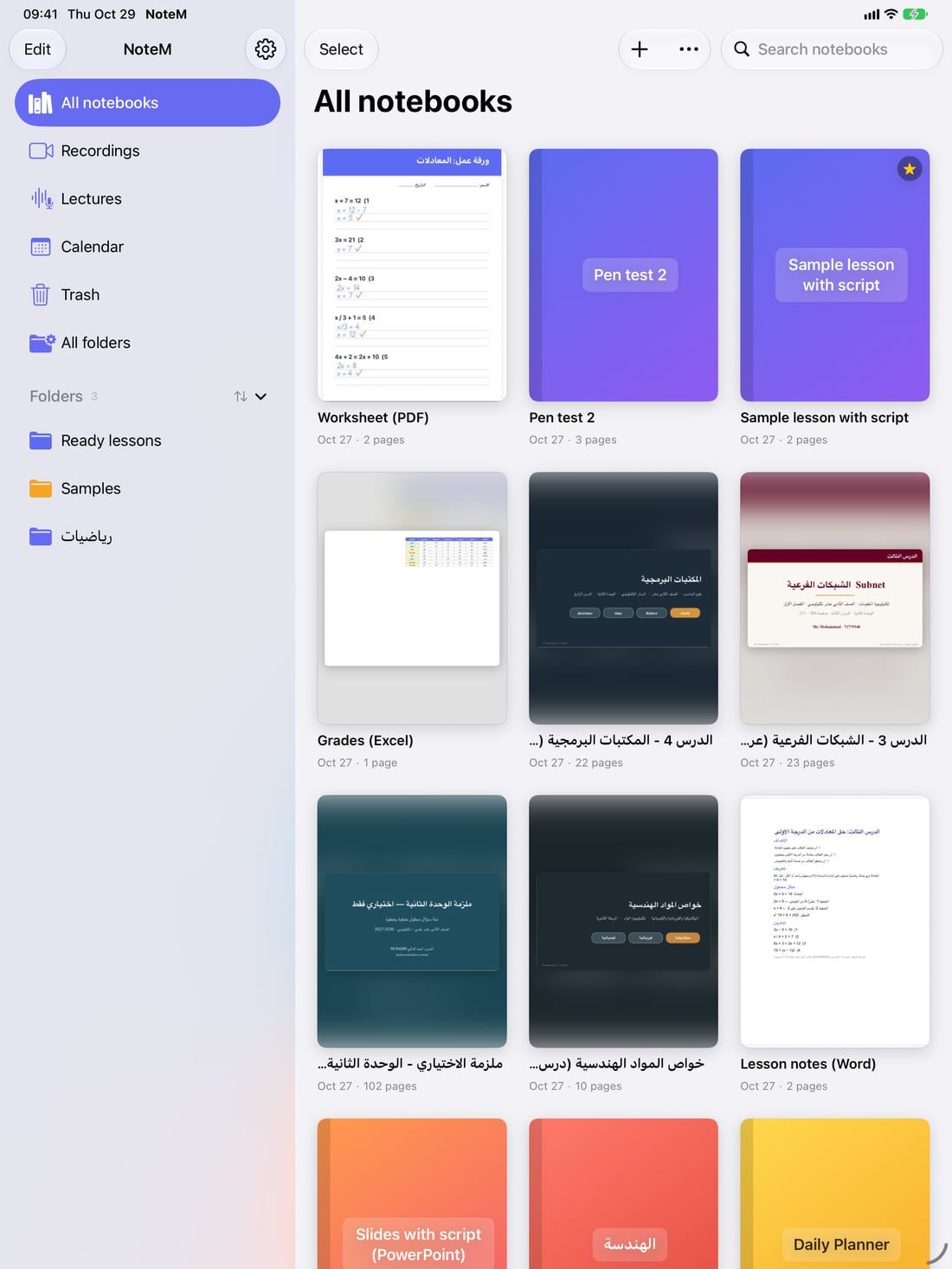
Notebooks made from a PowerPoint, a Word file, a lesson and an Excel sheet.

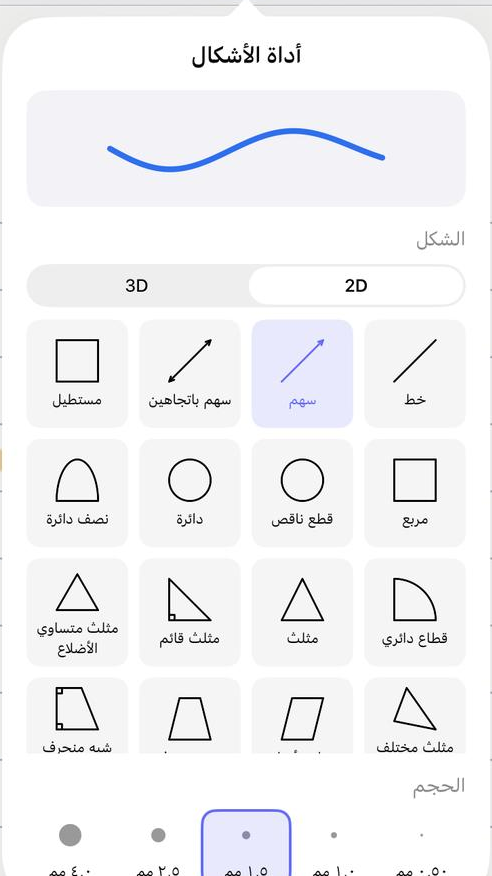
43 shapes

Flat and 3D, plus drawing recognition: a rough circle becomes a clean one.

Read more
The shapes tool with its 2D shapes.

Start free, upgrade when you need more

Prices appear in your App Store currency when you subscribe.

7 days

Free trial

Everything in NoteM Pro, open for seven days.

After the trial

Free

  • Up to 5 notebooks
  • 200 minutes of HD lesson recording
  • Recordings carry a small NoteM watermark
  • Handwriting, PDF and file import
  • HTML in the code panel
Monthly or yearly

NoteM Pro

  • Unlimited notebooks
  • Recording in 4K, without the watermark
  • Your name or school logo on your videos
  • iCloud sync and backup
  • Python, C, C++, C#, JavaScript and SQL
  • Scientific calculator modes, maths tools and graphs
  • AI, translation and lectures with live text

Questions teachers ask

Can NoteM record my iPad screen with my voice and my camera?

Yes. Press Record in any notebook: NoteM records the page (or the whole screen) with the microphone, and a camera bubble with your face if you turn it on. The video is saved as MP4 in Recordings and can go straight to Photos.

Will my students see the teleprompter in the video?

No. The script line, the lesson pad and the countdown are shown to you only and never reach the recording.

Can I open my PowerPoint slides and keep their animations?

Yes. A .pptx file becomes a notebook with one slide per page and keeps its click animations, so each tap reveals the next point. You can also write on the slides and export them back to PowerPoint.

Which devices does NoteM run on?

iPad, iPhone and Mac. An Apple Watch app moves the slides and starts recording when you present from an iPhone.

Does NoteM need an account?

No. Your notebooks and recordings stay on your device or in your own iCloud. AI features use the provider you choose with your own key, or Apple’s on-device model.

Bring your next lesson to NoteM

Download it free on iPad, iPhone and Mac.