
Delete a notebook and get it back
Deleted notebooks wait in the Trash for 30 days.
Delete a notebook
- Press and hold the notebook’s cover.
- Choose Move to trash.
- Changed your mind? Tap Undo in the bar at the foot of the screen within 4 seconds.
Restore it from the Trash
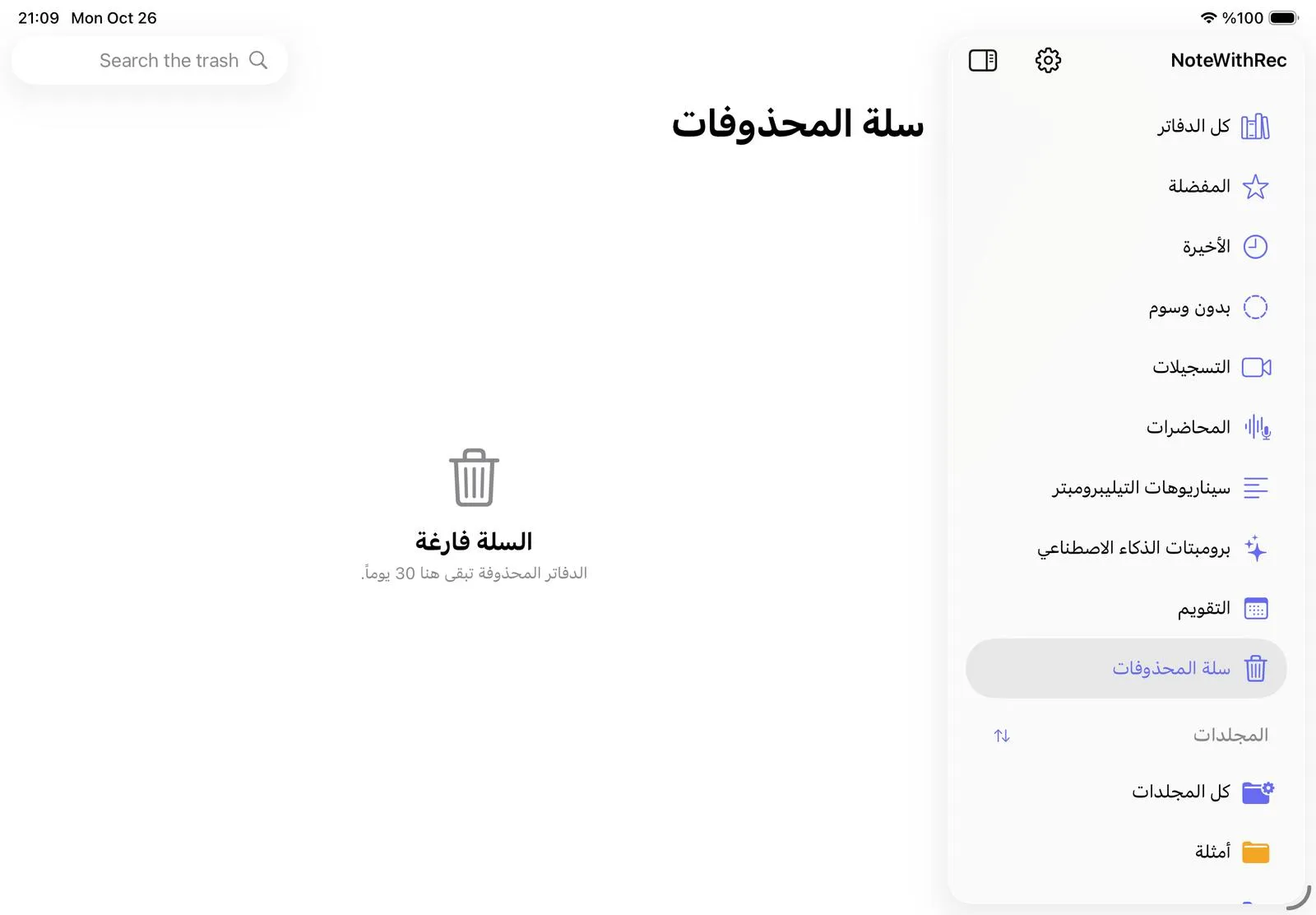
- Open Trash in the library’s sidebar.
- Tap Restore next to the notebook. It goes back to its folder.
Notebooks are deleted for good 30 days after you move them to the Trash. To delete one sooner, swipe left on it in the Trash, or tap Empty trash to delete them all.
Was this article helpful?
Thanks for telling us.