
Write code next to your notes. Run it right there.
A small code panel floats over the page, like the calculator. Write a short program, tap Run, and see the output in a real console that stops and waits when the program asks for a value.
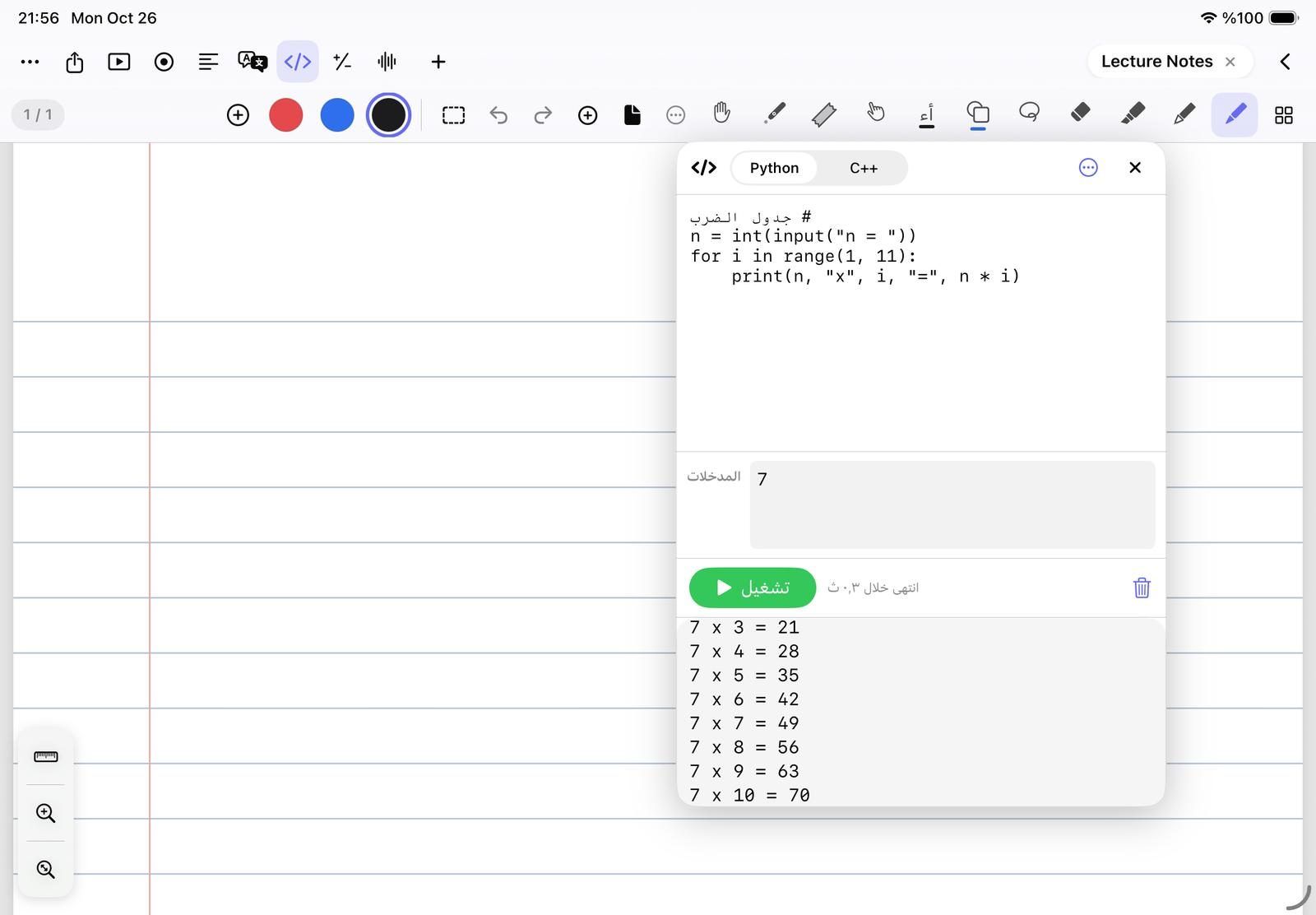
Seven languages, all inside the app
Pick the language from the menu at the top of the panel. Each language keeps its own code, and everything runs on the iPad itself, with no internet and no server.
- Python 3 with NumPy, pandas, Matplotlib and sqlite3
- C and C++ compiled by a real clang compiler
- C#, JavaScript and SQL on a real SQLite database
- HTML with CSS and JavaScript, shown as a live page beside the code
A real console that waits for your students
When a program reaches input() in Python, cin in C++ or prompt() in JavaScript, it really stops. Type the answer in the console, press Return, and it carries on from where it stopped.
- Errors in red, with the faulty line marked in the margin
- Matplotlib charts appear as pictures in the console
- SQL results and console.table show as real tables
- In Python, Show line results shows what each line read, printed and changed
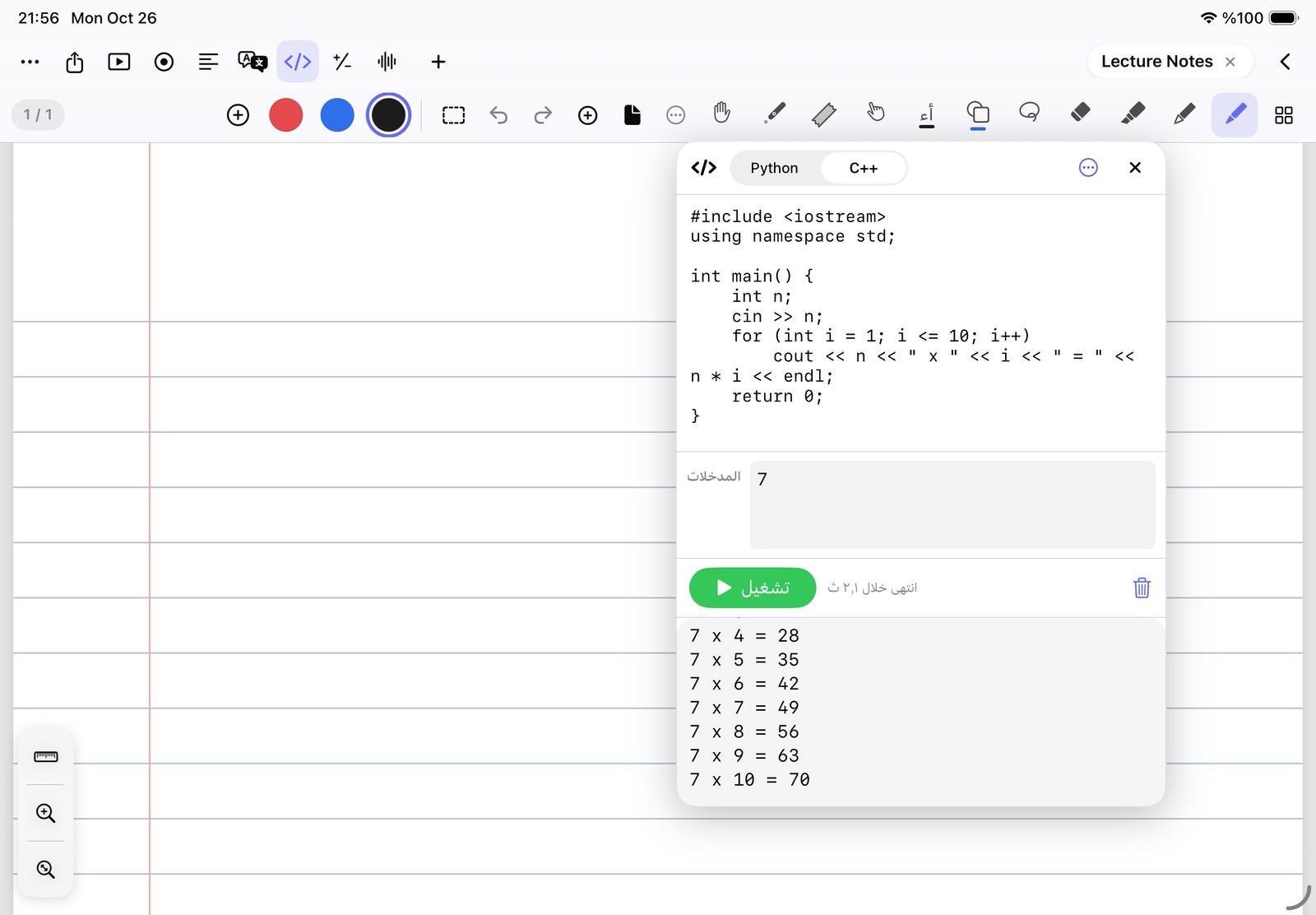
Keep it, explain it, put it on the page
Save as many programs as you like in My programs, then tap Put on the page to place the code and its output on your page as text you can move and write over.
- Write a program for a problem… from typed text, a photo or the page
- Explain this code line by line, and Fix the error after a failed run
- Uses your own AI key, or Apple’s on-device model where available
- Bigger gives the code and the console more room
Questions teachers ask
Does the code panel need the internet?
No. Python, C, C++, C#, JavaScript, SQL and HTML all run inside the app. Only an HTML page that loads pictures or libraries from the web needs a connection.
Can students type input while a program runs?
Yes. The program stops at input(), cin, scanf or prompt() and waits until you type the value in the console and press Return.
Can I use NumPy, pandas and Matplotlib?
Yes. They come with the app and load when your program imports them. Matplotlib charts appear in the console after plt.show().
Is the code panel free?
Yes, for HTML with CSS and JavaScript. Python, C, C++, C#, JavaScript and SQL come with NoteM Pro.