
Write the lesson by hand, the way you teach it.
Pen, pencil and highlighter with Apple Pencil, 43 shapes, a ruler, text and sticky notes, on the paper you choose. Everything you write stays an object you can move, recolour or erase.
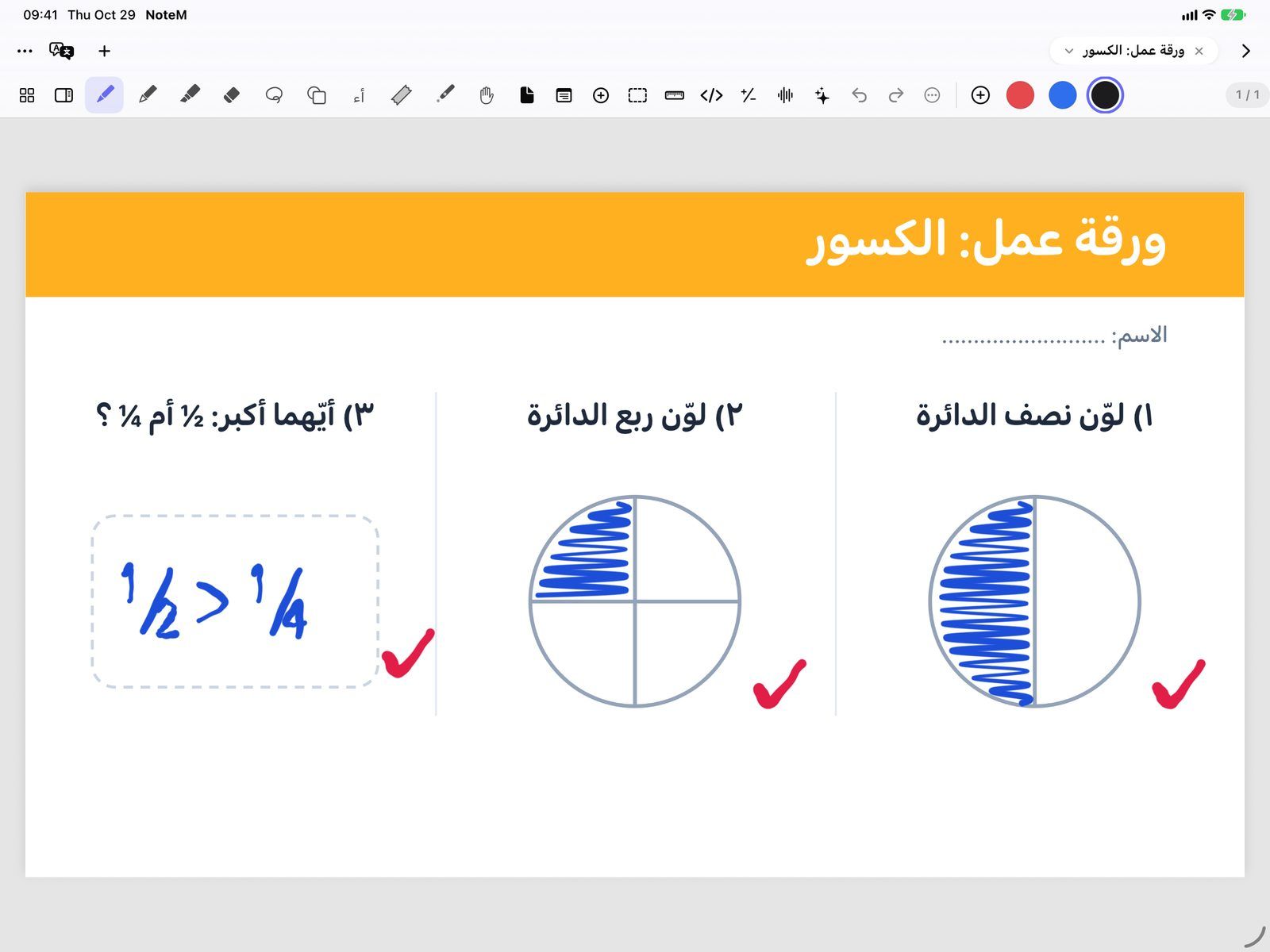
Pens that write like real ones
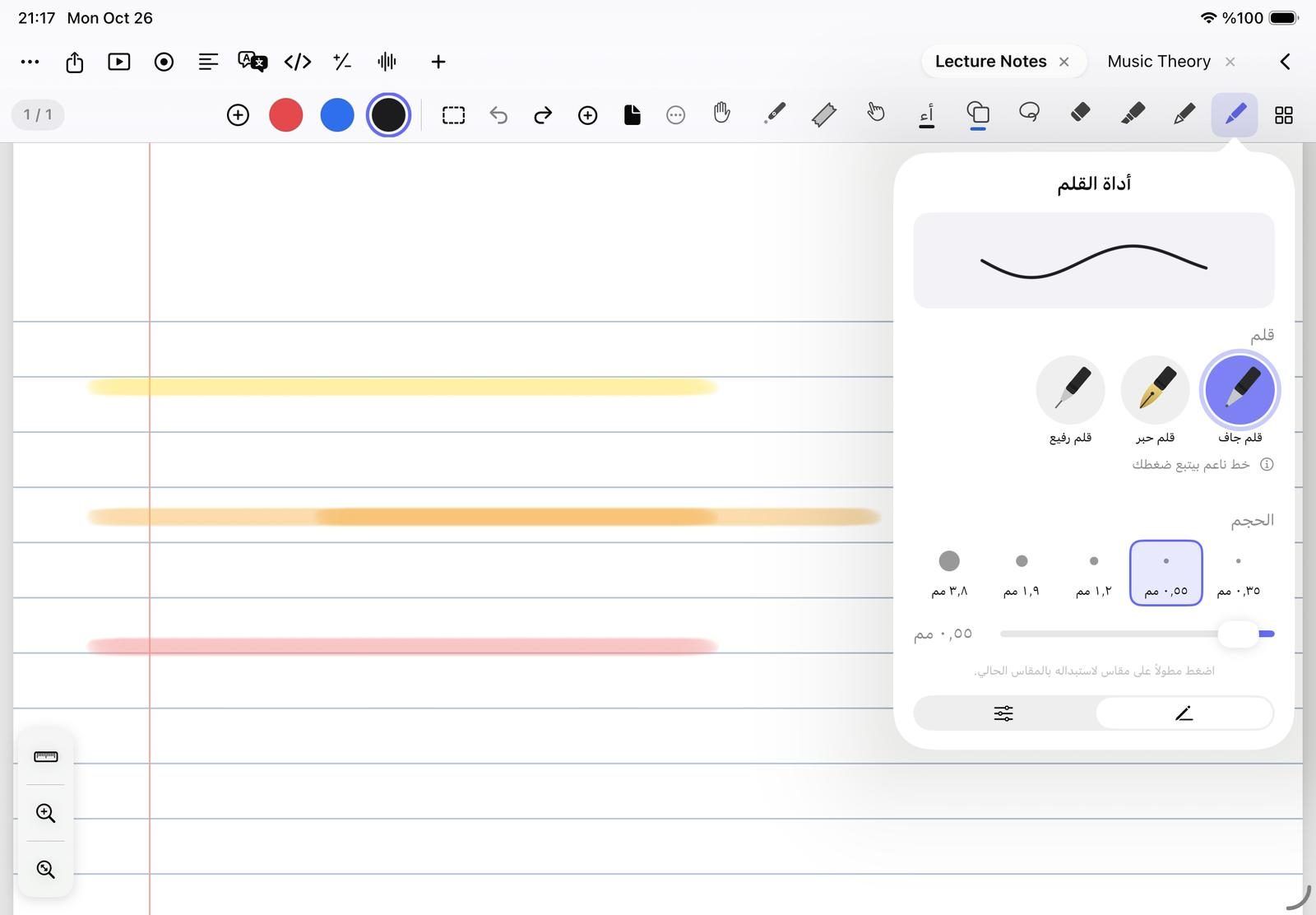
Tap a tool once to pick it, and again to open its options. A live sample line shows the ink, size and colour before you write.
- Pen: Ballpoint, Fountain pen or Fineliner, with five sizes from 0.35 to 3.8 mm
- Pencil: Pencil, Crayon or Watercolor, which react to the tilt of Apple Pencil
- Highlighter: see-through, so the words stay readable under it
- Opacity from 10% to 100%, and ready colour sets such as Teacher
- Save a pen with its colour and size, and pick it again in one tap
Erase, select and move
The eraser has three modes, and the lasso picks up handwriting, images and text so you can rearrange a page in seconds.
- Eraser: Whole stroke, Partial, or Highlighter tool, which erases only highlighting and keeps your writing
- Lasso: draw freely or drag a rectangle, then move, resize or rotate what you caught
- Recolour a selection with one tap, or Convert to text to turn handwriting into typed text
- Take Screenshot of any area, even a part of a PDF page
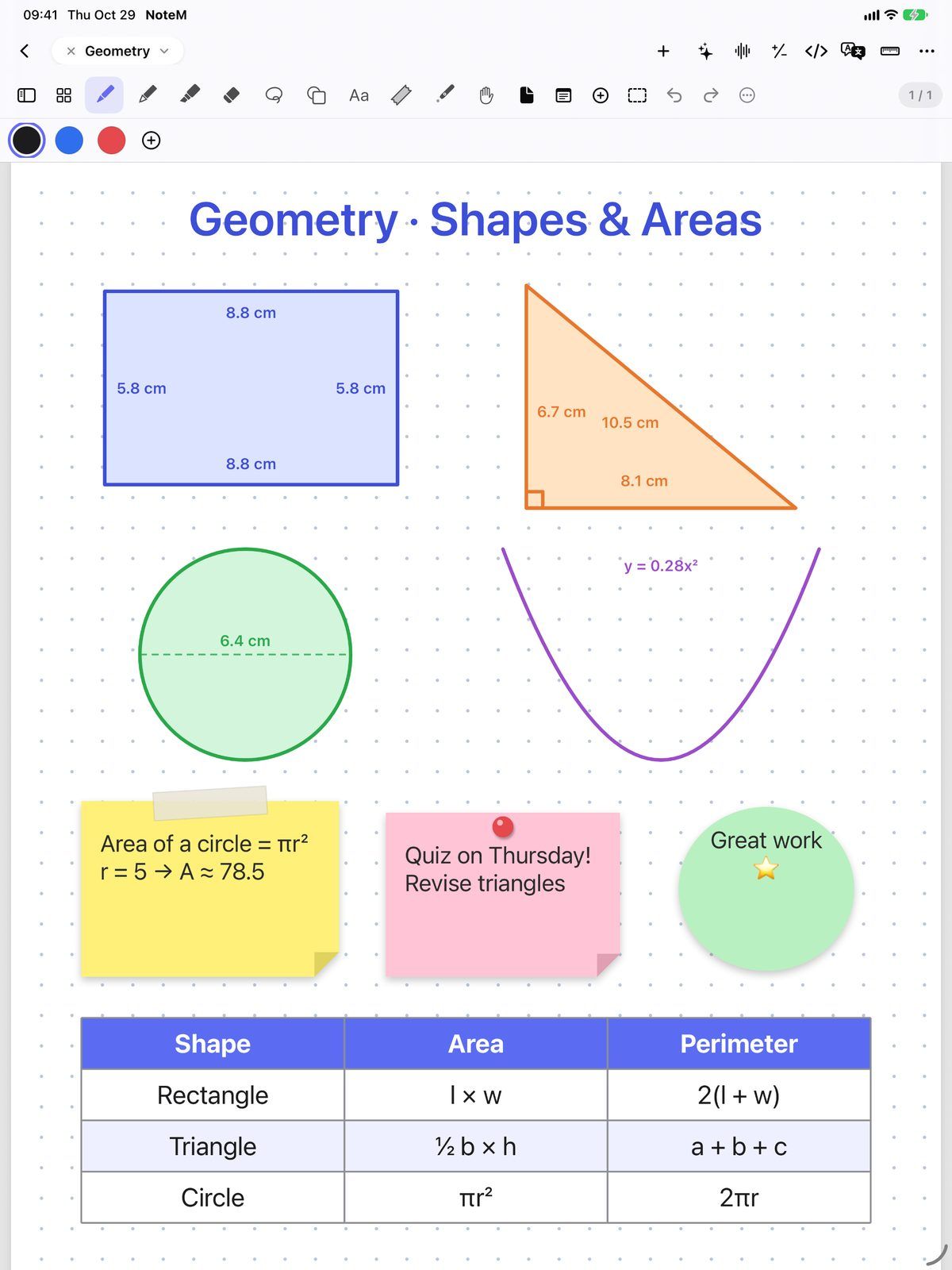
43 shapes, and your own drawings made neat
The Shapes tool draws 30 flat shapes and 13 solids, with hidden edges dashed as in a textbook. Draw a rough circle, line or arrow with the pen and hold the pencil still at the end: it becomes a clean shape.
- Rectangle, triangles, polygons, number line, coordinate axes, parabola and hyperbola
- Cube, cylinder, cone, sphere, pyramids and prisms
- Dimensions writes the measurements on the shape, with area and perimeter step by step
- A ruler with millimetre marks and an angle dial that snaps every 15°
Text, sticky notes and the paper you like
Type with the Text tool in any font and size, or put a sticky note on the page and write on it straight away with the pencil. Each new page can have its own template and colour.
- Sticky notes in five shapes and six colours: square, pinned, taped, torn-off and round
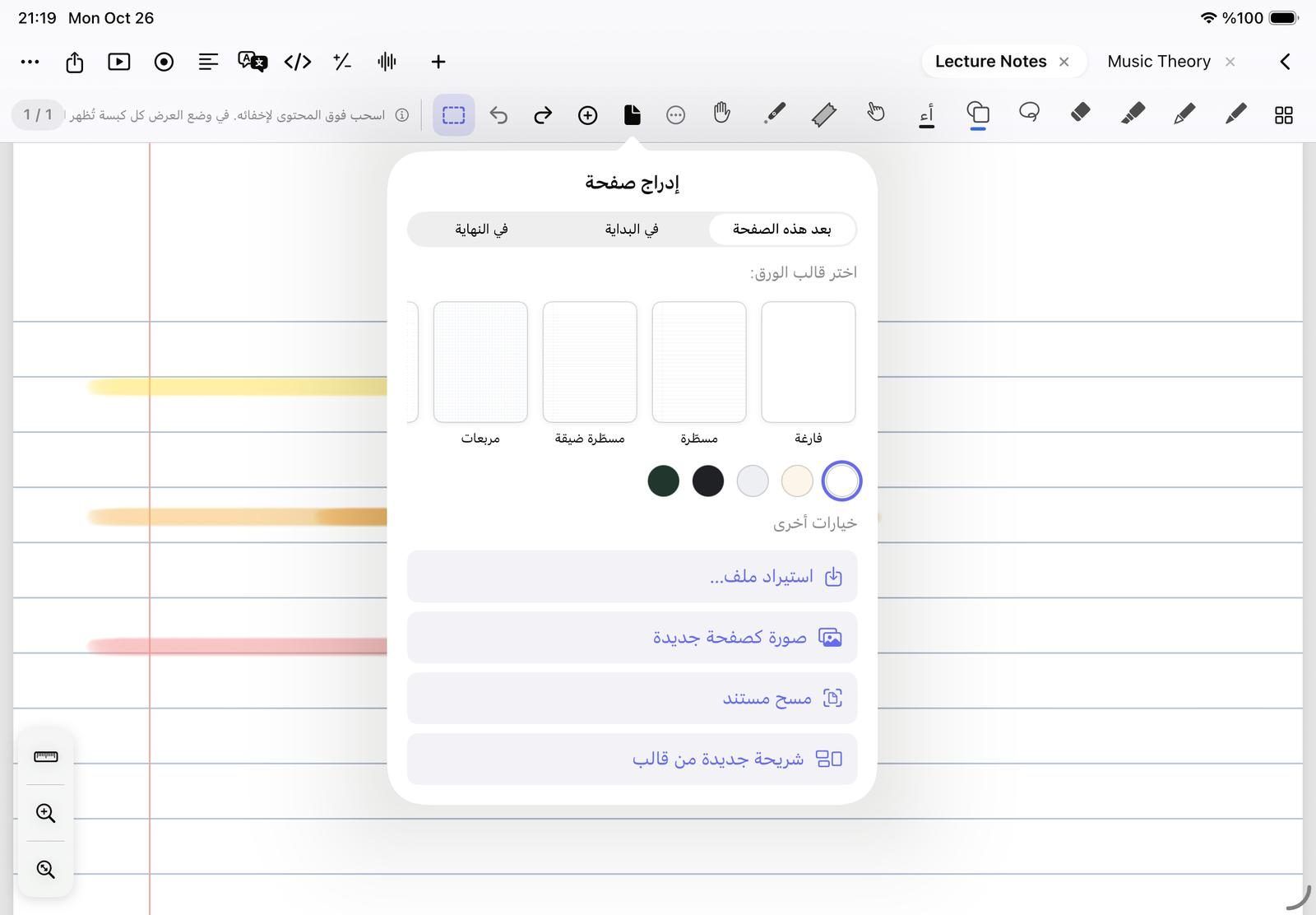
- Paper: Blank, Lined, Narrow lined, Grid, Dotted, Cornell and Music
- Paper colours: White, Ivory, Gray, Dark and Chalkboard, or a custom colour
- Page sizes: A4, Letter, Slide 16:9, Vertical 9:16 and Square
- A page sidebar with Pages, Search, Bookmarks, Outline and Layers
Questions teachers ask
Can I write with my finger instead of Apple Pencil?
Yes. Turn on Draw with finger in the pen’s settings. On iPad it is off at first, so one finger scrolls the page and only Apple Pencil writes; on iPhone it is on.
Can NoteM turn a rough hand-drawn circle into a clean one?
Yes. With Hold to snap shapes on (it is on by default), draw the shape and keep the pencil still at the end for a moment. A line, arrow, triangle, rectangle or circle becomes a neat shape in the same ink.
Can I change the paper of every page at once?
Yes. Open More Paper & background, turn on Apply to all pages, then pick a template, a paper colour or a page size. Pages made from a PDF or an image keep their own background.
Can I play back my handwriting as a video?
Yes. More Replay handwriting writes the page again stroke by stroke, at ½× to 8× speed, and Save video makes an MP4 you can send to your students.