
Your classes and deadlines, next to your notebooks.
NoteM has its own calendar in the library sidebar. Put in your classes, meetings and homework deadlines, and get a notification before each one.
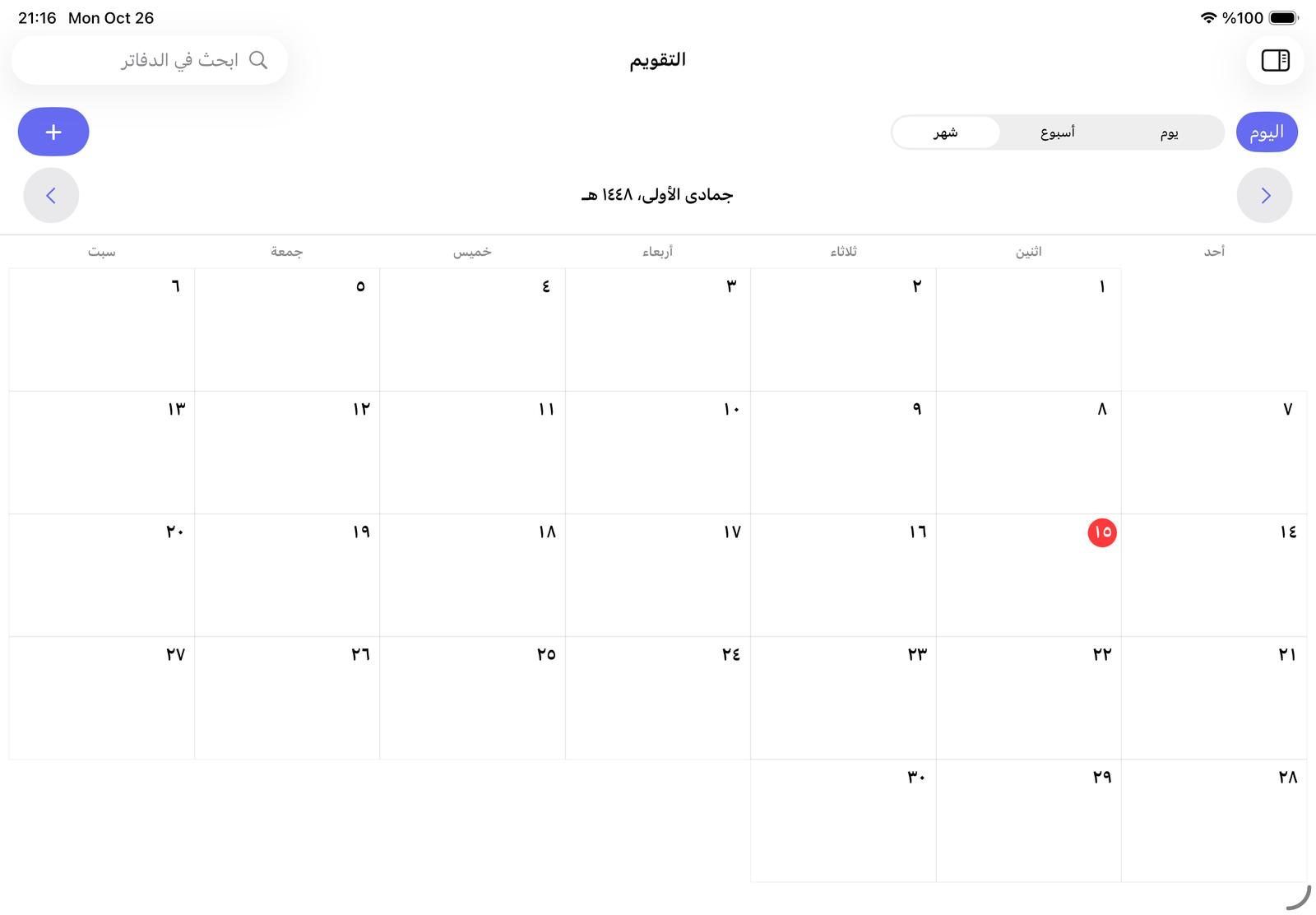
Day, week or month
Switch between Day, Week and Month, and tap Today to jump back. The calendar remembers the view you chose.
- Tap an empty hour to add an event that starts then
- A red line marks the current time
- Under the month, Coming up lists every event still ahead, nearest first
- In Arabic the days run right to left, like a printed Arabic calendar
Events with colours and reminders
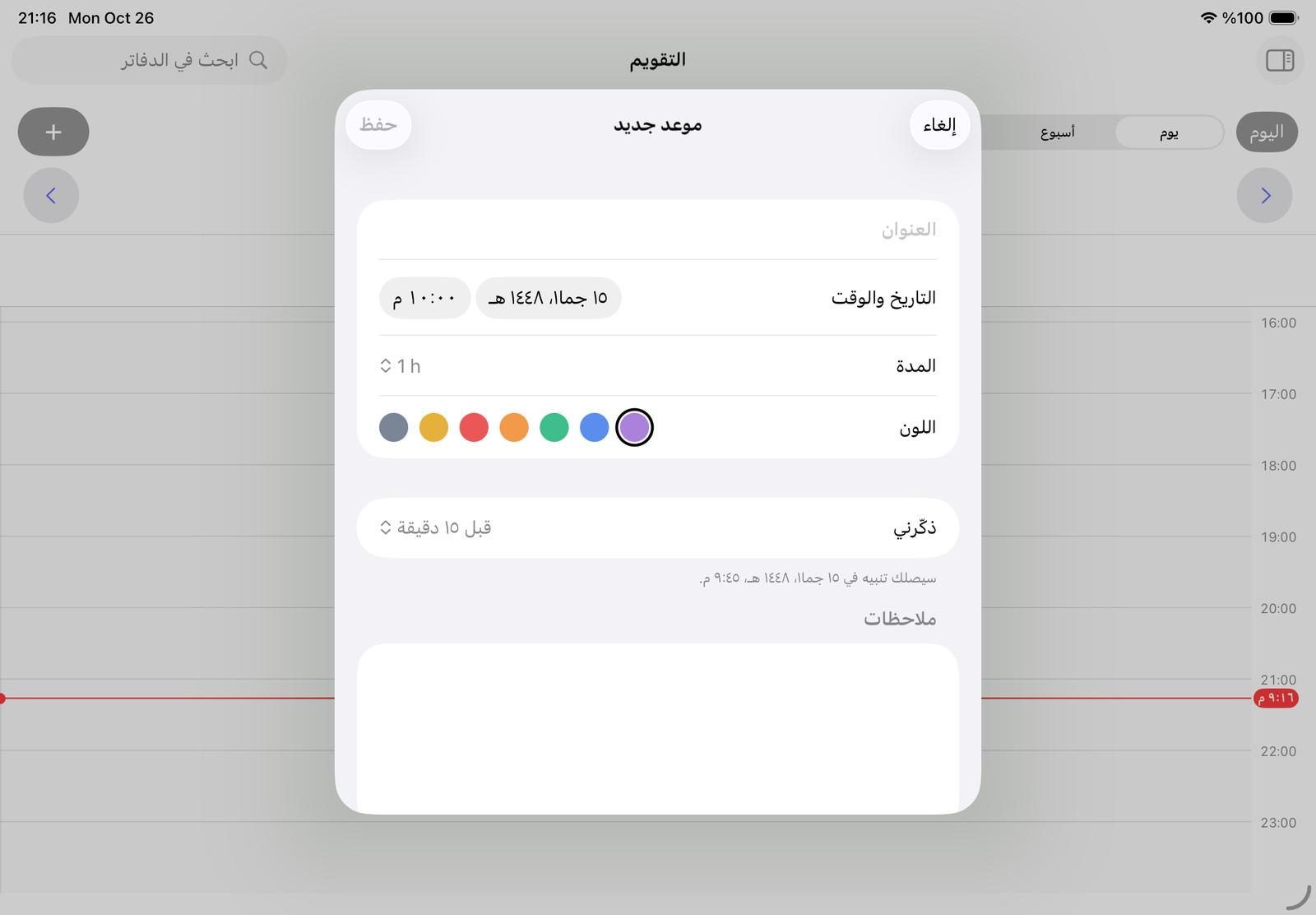
Tap + to add an event with a title, a date and time, a length from 15 minutes to 4 hours, one of seven colours, and notes.
- Remind me from the time of the event up to a week before; 15 minutes by default
- The notification shows the event’s title, time and notes
- Reminders are local notifications and need no internet
Questions teachers ask
Will NoteM remind me before a class?
Yes. Choose a time under Remind me, from the moment of the event to one week before, and a notification arrives then, even with no internet.
Does the calendar sync with Apple’s Calendar app?
No. NoteM’s calendar is separate: it neither reads from nor writes to Apple’s Calendar, and its events stay on this device.
Are my events included in a backup?
Yes. Back up all notebooks includes your events, and restoring adds back the ones that are missing, with their reminders.